# Card Collection Manager 3
[](https://sonarcloud.io/summary/new_code?id=sebastiandine_Card-Collection-Manager-3)
[](https://sonarcloud.io/summary/new_code?id=sebastiandine_Card-Collection-Manager-3)
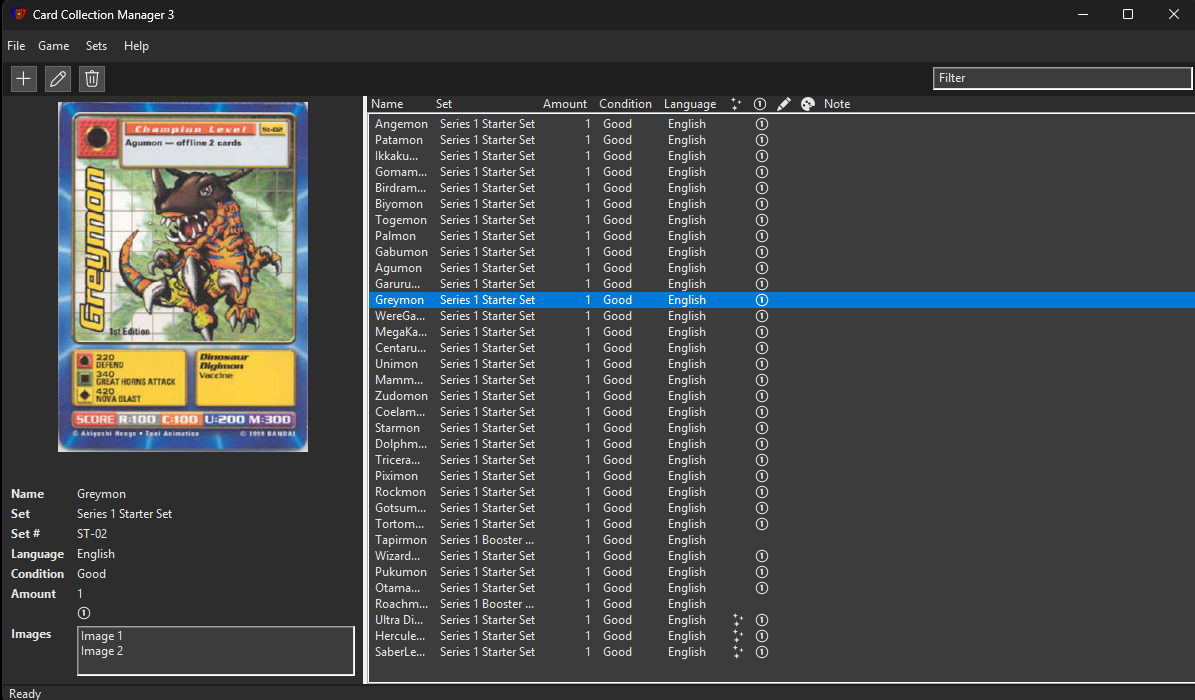
Card Collection Manager 3 is an extensible desktop application for managing trading card game collections. It is designed as a practical way to track cards and manage per-card images for large collections, with local per-game data, set synchronization workflows, and a desktop-first UX. The app preserves the established JSON layout from earlier CCM versions so existing collections stay compatible.
Currently, the application supports the following TCGs:
- Magic the Gathering
- Pokemon TCG
- Yu-Gi-Oh!
- Yu-Gi-Oh! (Bandai)
- Digimon (Digi-Battle)
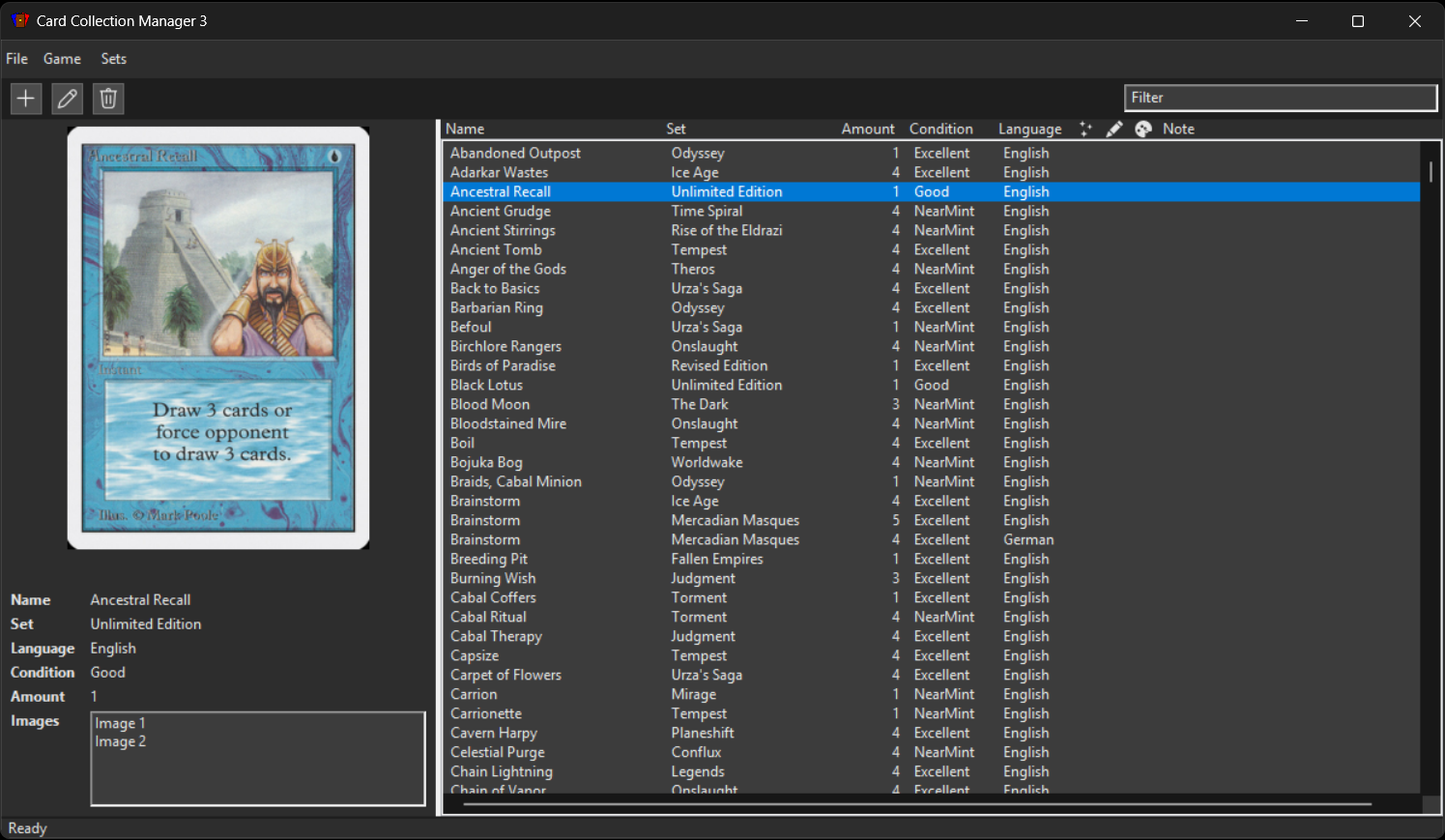
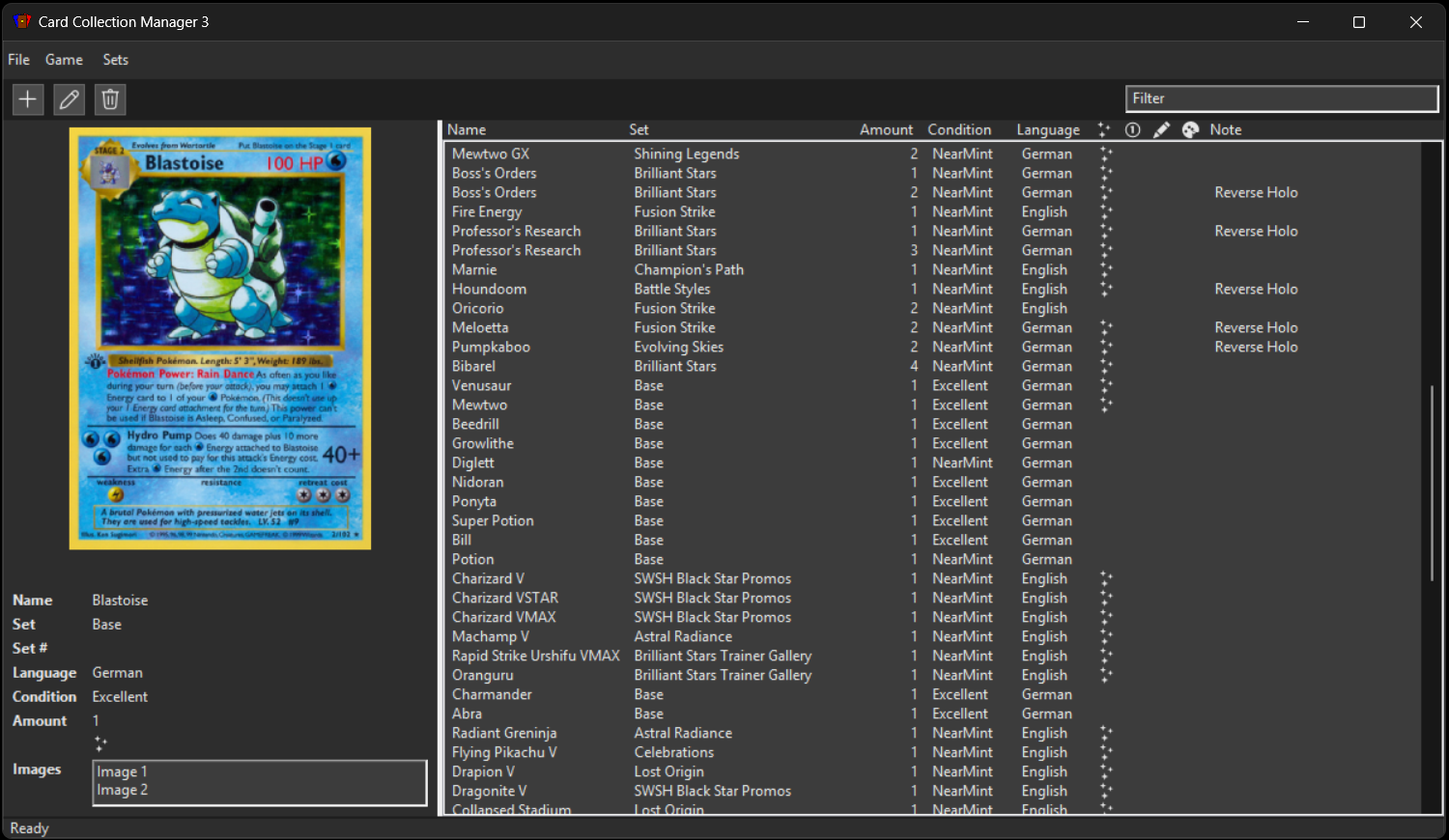
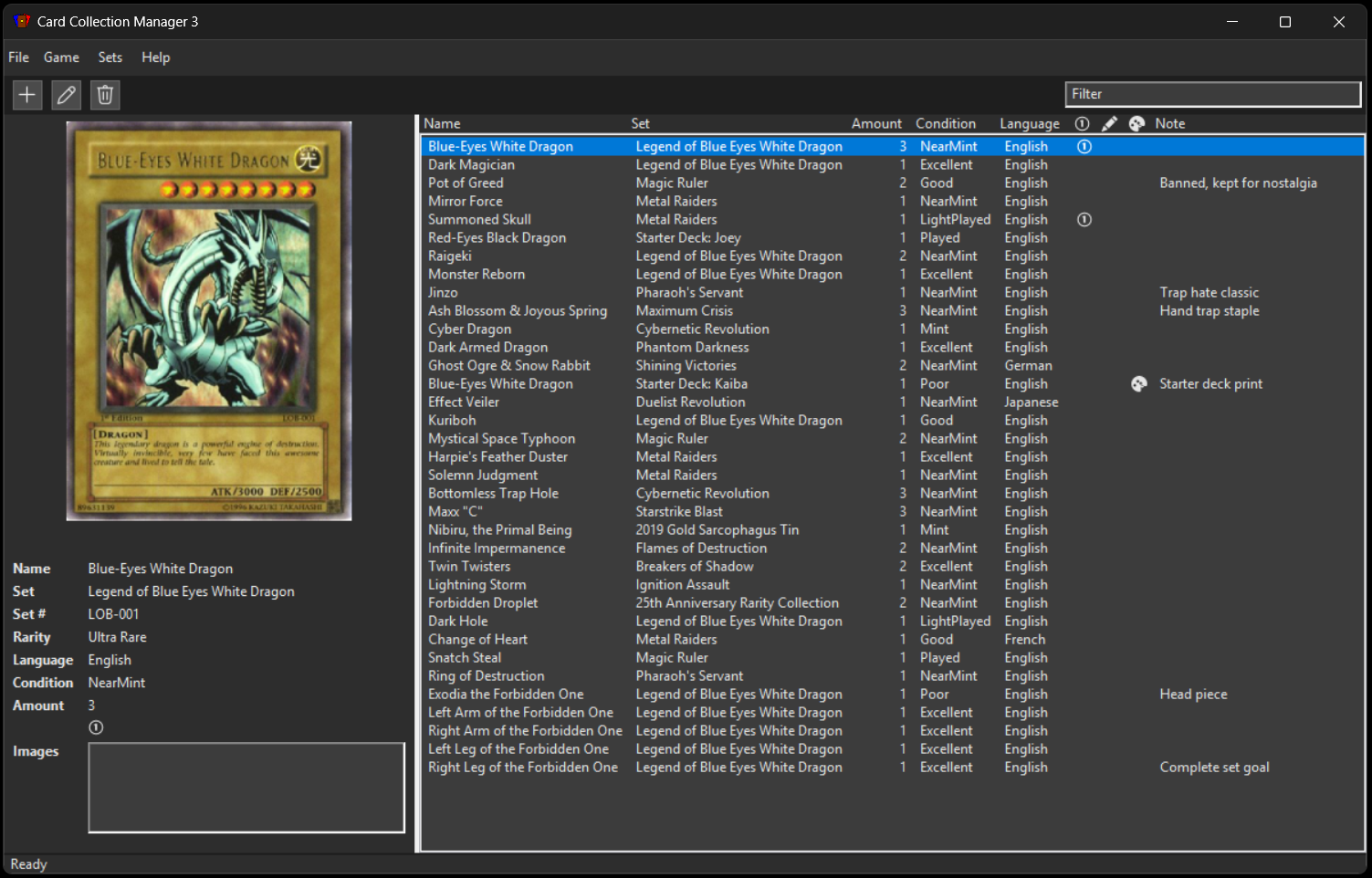
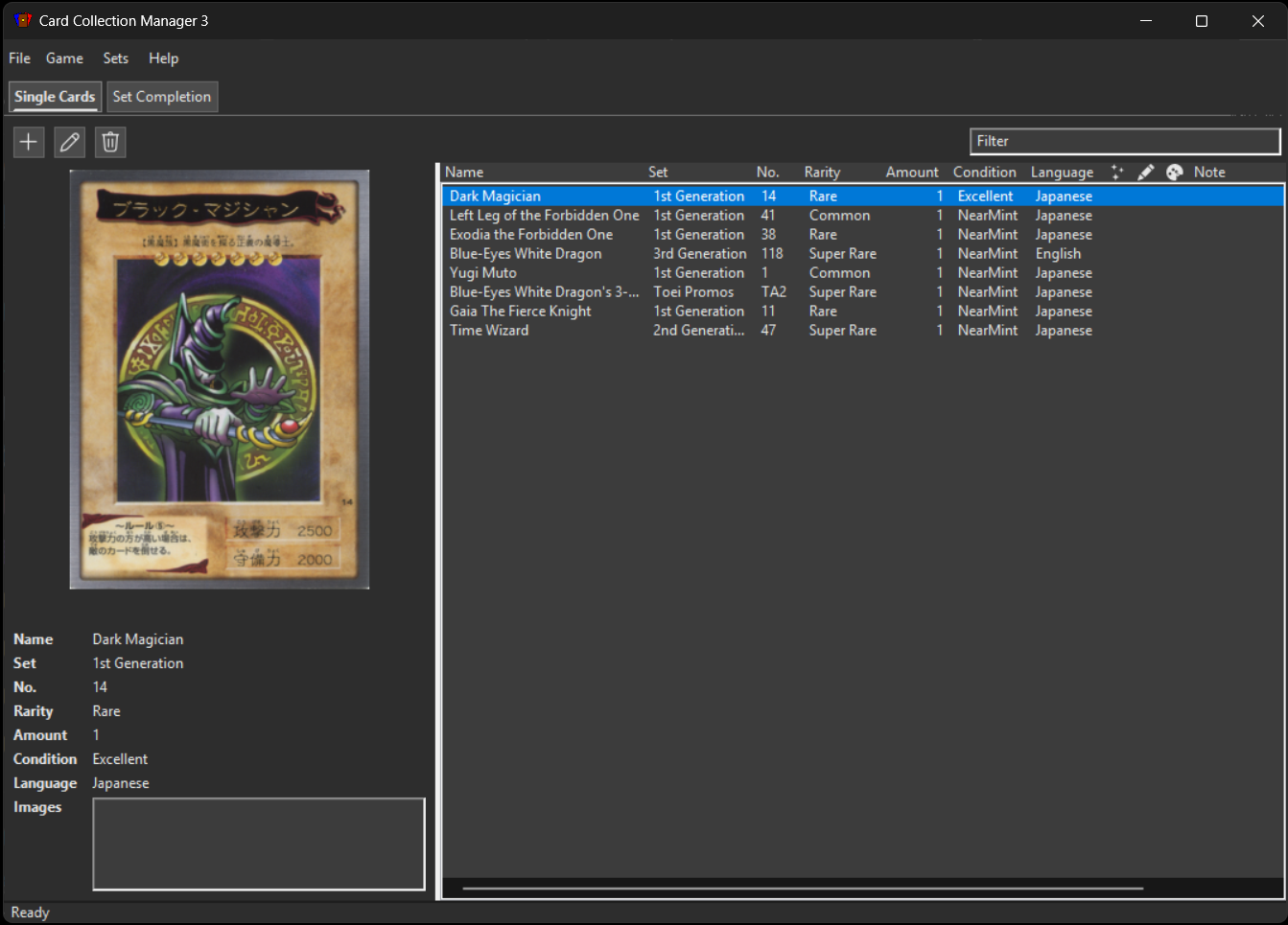
## Screenshots
Magic The Gathering
Pokemon TCG
Yu-Gi-Oh!
Yu-Gi-Oh! (Bandai)
Digimon (Digi-Battle)
## Migrating From CCM1 And CCM2
CCM3 reads the established collection layout, so data from both CCM1 and CCM2 can be copied into the configured CCM3 data directory.
Basic migration flow:
1. Close any running CCM app instance that points to the same data folder.
2. Copy your existing game data into the matching CCM3 game folder:
- from CCM1: export/copy your collection JSON and images into the corresponding CCM3 game directory.
- from CCM2: copy per-game `collection.json` and `images/` directories into the same per-game folders in CCM3.
3. Start CCM3 and confirm the data directory in `File > Settings`.
If your files are in the expected layout, collections should load without conversion.
## Technical Overview
This is a C++20 project with a wxWidgets UI:
- `core/`: domain logic, services, and infrastructure adapters
- `ui_wx/`: wxWidgets presentation layer
- `app/`: executable composition root
Key libraries used by the project:
- `cpr` (libcurl-based): REST/HTTP calls
- `nlohmann/json`: JSON serialization/deserialization
- `doctest`: unit testing
Dependency direction is strict: `app -> ui_wx -> core`.
## Documentation
Implementation details now live in `docs/`. Start here:
- [Documentation Index](docs/README.md)
- [Build Locally Guide](docs/dow-doc-build-locally.md)
- [Intro For New Developers](docs/intro-to-new-developers.md)
- [CI/CD Guide](docs/ci-cd-guide.md)
- [Versioning Guide](docs/versioning.md)
- [Testing Guide And Test Code Of Conduct](docs/testing-and-test-code-of-conduct.md)
- [Adding A New Game To Card Collection Manager](docs/adding-a-new-game.md)
## Previous Implementations
This project continues earlier versions of Card Collection Manager:
- [Card Collection Manager (CCM1)](https://github.com/sebastiandine/Card-Collection-Manager): original Java/Swing implementation.
- [Card Collection Manager 2 (CCM2)](https://github.com/sebastiandine/Card-Collection-Manager-2): Rust/TypeScript (Tauri) rewrite with multi-game support.
## License
This project is licensed under the [MIT License](LICENSE).
Third-party dependencies and assets remain under their respective licenses.